 ▶ Watch the original on Instagram
From @mr.tenet__ on Instagram
Using Edge Detect in DaVinci Resolve for a Cinematic Look
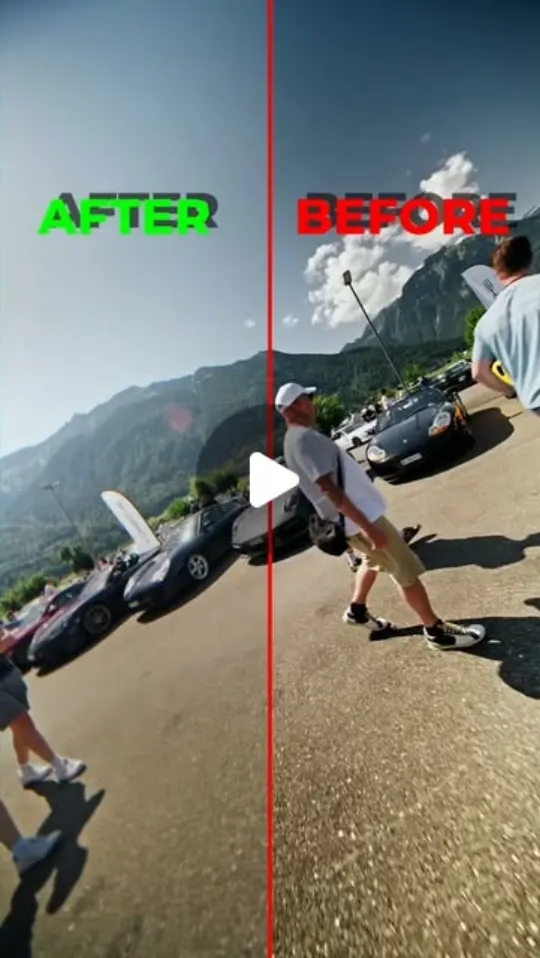
This video explains how the 'Edge Detect' tool in DaVinci Resolve can subtly enhance video footage by softening digital edges and adding a cinematic glow.
Key points
- Edge Detect is an underrated tool in DaVinci Resolve.
- It softens harsh digital edges.
- Adds a gentle glow to the image.
- Helps create a more natural, cinematic look.
- Makes footage feel less digital without overdoing the effect.
Steps
- 1.Locate the Edge Detect tool within DaVinci Resolve's color grading or effects panel.
- 2.Apply the effect to your footage.
- 3.Adjust the parameters (e.g., radius, strength) to subtly soften edges and introduce a gentle glow.
- 4.Monitor the effect to ensure it enhances the image without looking artificial.
The video and its content belong to @mr.tenet__. This card was created by ReelSave's AI from the public Instagram post, and may contain mistakes — check the original video. Creator? Ask us to remove this card
Save videos like this with ReelSave
Share any reel to ReelSave and get a card like this one — in your own library, searchable, next to everything else you save.