 ▶ Watch the original on Instagram
From @claremont_toyota on Instagram
AI Car Drop Effect Tutorial
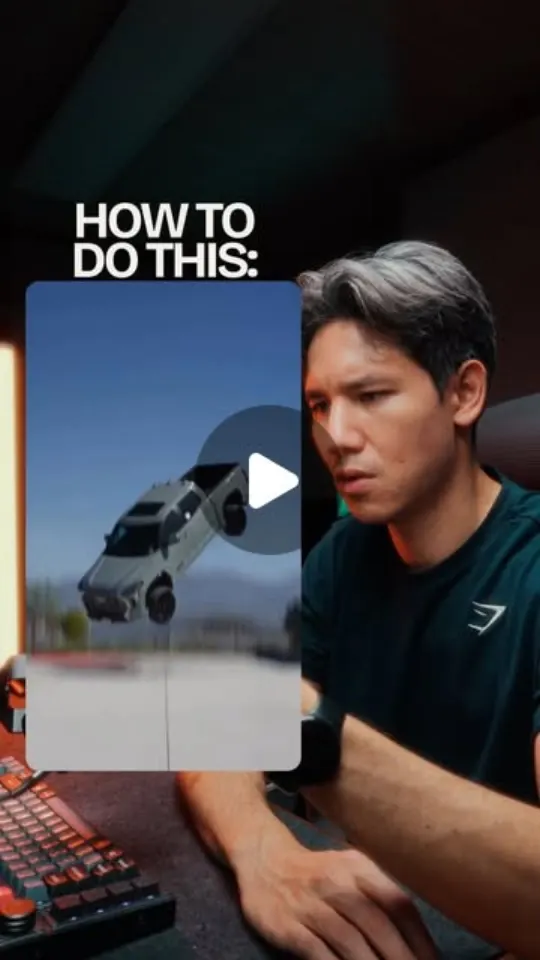
This video demonstrates how to create an AI-generated car drop effect using a single prompt and a photo, explaining that the final frame matches real footage for seamless editing.
Key points
- Park car, take one photo, let AI generate fall effect.
- One prompt and five seconds for the whole process.
- Last line of prompt links back to the photo for a matching final frame.
- Full prompt, photos, and settings available in a guide.
Steps
- 1.Park your car at the desired landing spot.
- 2.Take a single photo of the parked car.
- 3.Use a specific AI prompt (provided in guide) to generate the falling effect.
- 4.Integrate the AI-generated final frame into your real footage.
The video and its content belong to @claremont_toyota. This card was created by ReelSave's AI from the public Instagram post, and may contain mistakes — check the original video. Creator? Ask us to remove this card
Save videos like this with ReelSave
Share any reel to ReelSave and get a card like this one — in your own library, searchable, next to everything else you save.