 ▶ Watch the original on Instagram
From @itsmaelam on Instagram
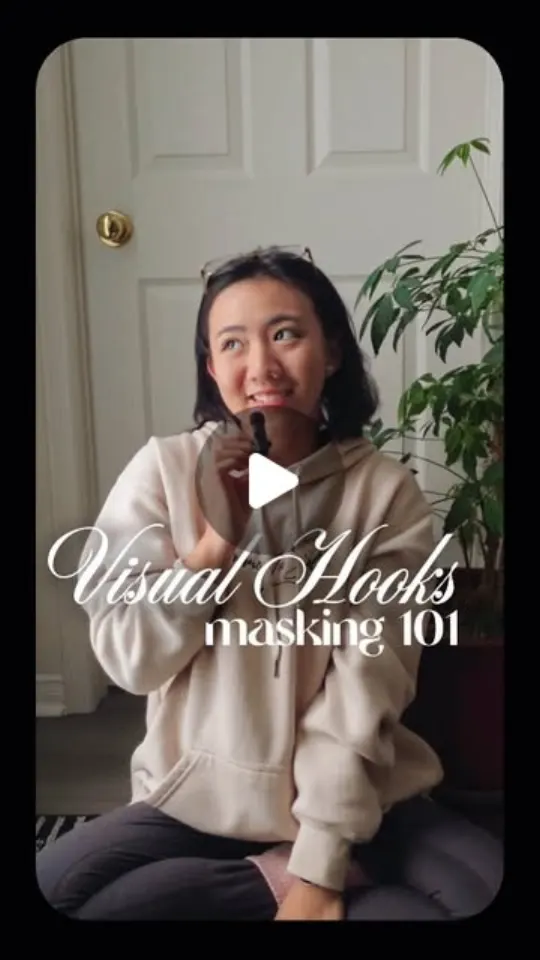
Creating Visual Hooks with Masking in CapCut
This video is a CapCut tutorial showing how to create a visual hook using masking with only one clip.
Key points
- Use only one clip
- Utilize the masking tool
- Time keyframes to taps or movements
Steps
- 1.Import your clip into CapCut.
- 2.Select the masking tool.
- 3.Create keyframes to match taps or movements.
- 4.Adjust the mask to create transitions.
The video and its content belong to @itsmaelam. This card was created by ReelSave's AI from the public Instagram post, and may contain mistakes — check the original video. Creator? Ask us to remove this card
Save videos like this with ReelSave
Share any reel to ReelSave and get a card like this one — in your own library, searchable, next to everything else you save.