 ▶ Watch the original on Instagram
From @infocreativa_lt on Instagram
How to Create Custom Patterns in Canva
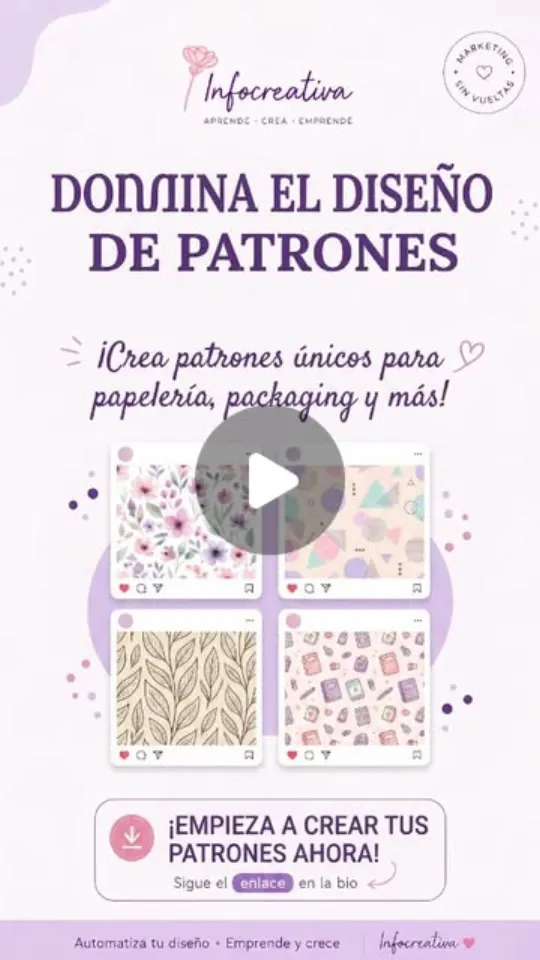
This video demonstrates a simple trick to create custom patterns in Canva using various elements and the 'Tile Pattern' feature, resulting in versatile designs for stationery, cards, stickers, and more.
Key points
- Combine elements and images to create a composition.
- Download the composition.
- Use the 'Tile Pattern' feature in Canva to generate a pattern.
Steps
- 1.Create a composition with desired elements and images.
- 2.Download the created composition.
- 3.Open a new canvas in Canva.
- 4.Go to 'Tile Pattern' feature.
- 5.Choose the pattern style and let Canva generate the design.
The video and its content belong to @infocreativa_lt. This card was created by ReelSave's AI from the public Instagram post, and may contain mistakes — check the original video. Creator? Ask us to remove this card
Save videos like this with ReelSave
Share any reel to ReelSave and get a card like this one — in your own library, searchable, next to everything else you save.