 ▶ Watch the original on Instagram
From @cocobolinho on Instagram
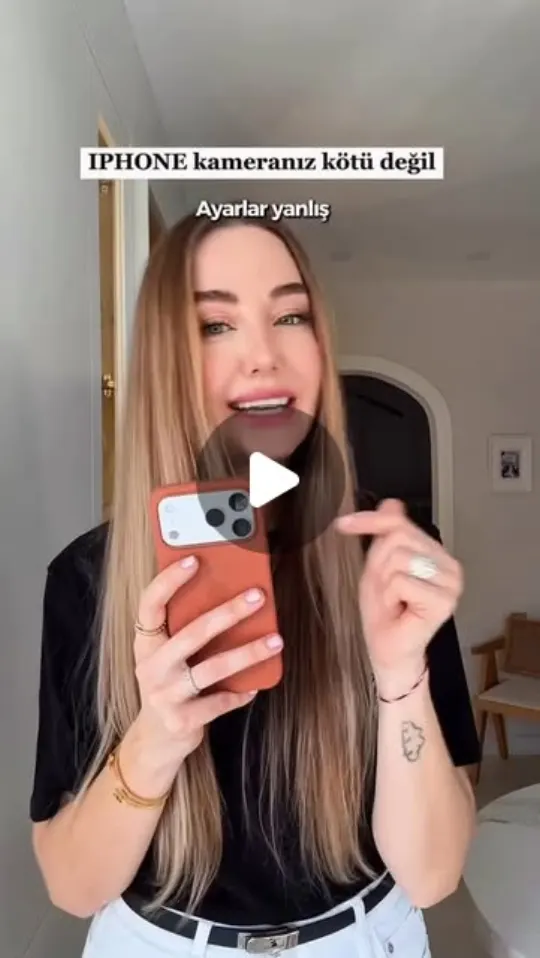
Fixing Blurry iPhone Videos
The video provides tips on how to fix blurry iPhone videos without blaming the phone.
Key points
- Check camera settings
- Clean the lens
- Adjust focus
Steps
- 1.Open the Camera app.
- 2.Go to Settings and adjust video resolution.
- 3.Clean the camera lens with a microfiber cloth.
- 4.Tap the screen to focus on the subject.
The video and its content belong to @cocobolinho. This card was created by ReelSave's AI from the public Instagram post, and may contain mistakes — check the original video. Creator? Ask us to remove this card
Save videos like this with ReelSave
Share any reel to ReelSave and get a card like this one — in your own library, searchable, next to everything else you save.